Remove a photo background and crop or resize the image
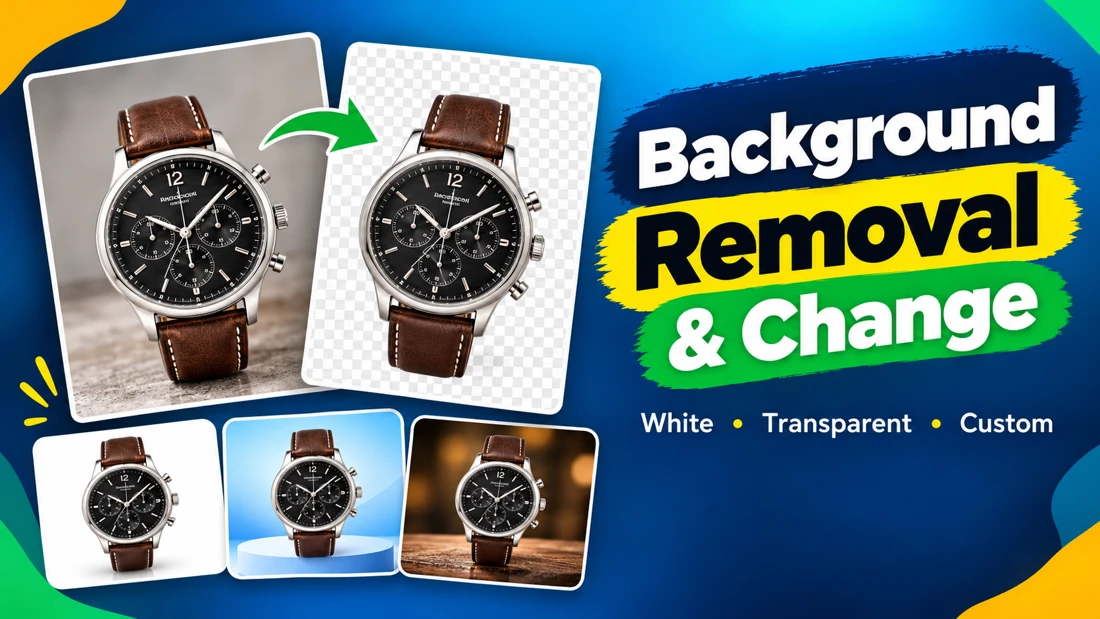
Isolate a person, object or product using manual selection. Choose a transparent background or a clean white backdrop.
Photography
Andrew 2 day delivery

Find independent talent for your next project.
9 services
Isolate a person, object or product using manual selection. Choose a transparent background or a clean white backdrop.
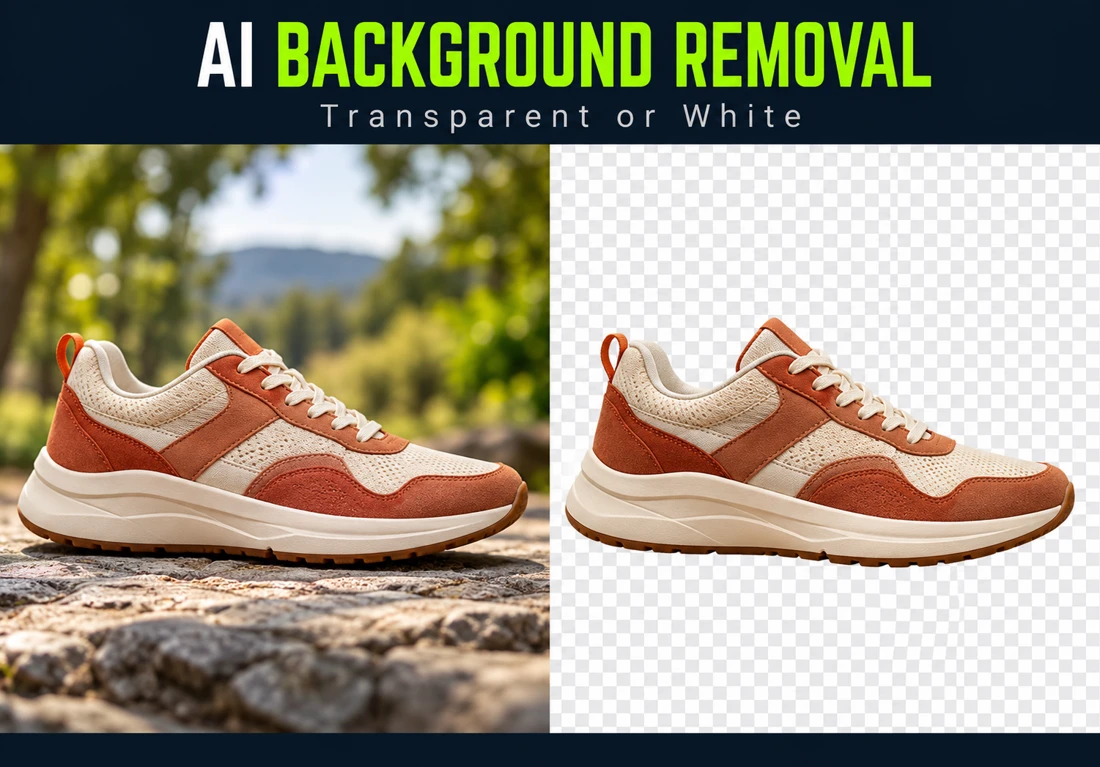
PhotographyUse AI-assisted editing to remove an image background and replace it with transparency or white.
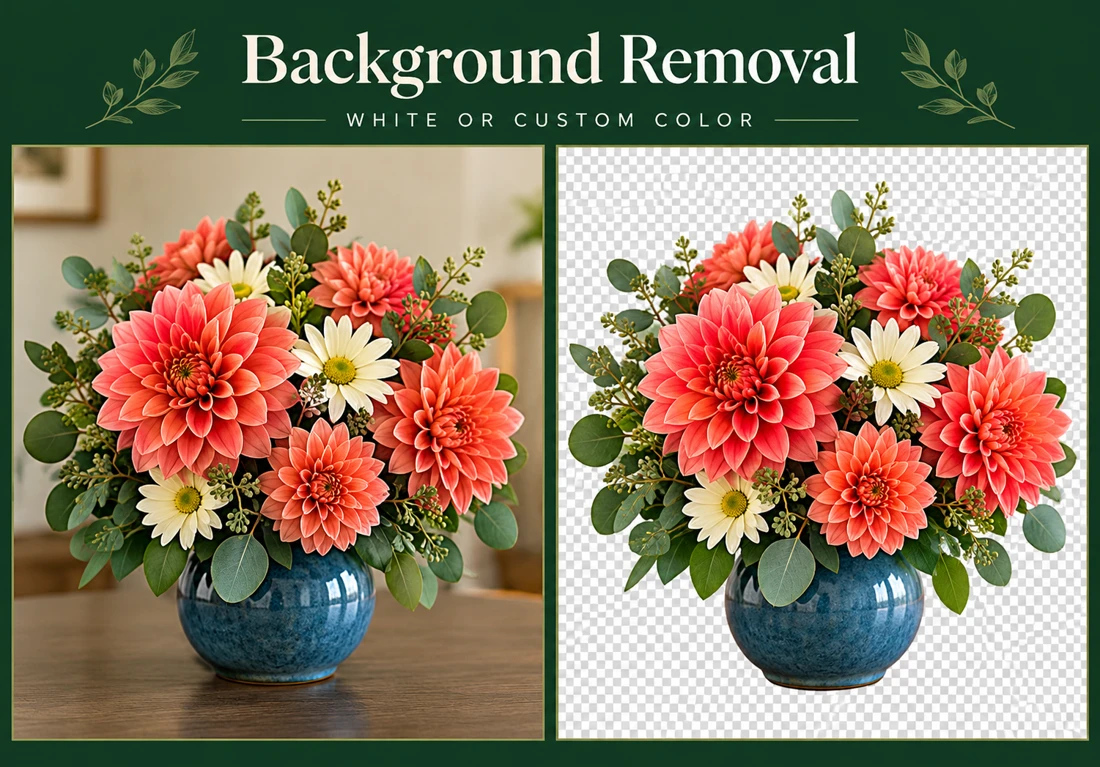
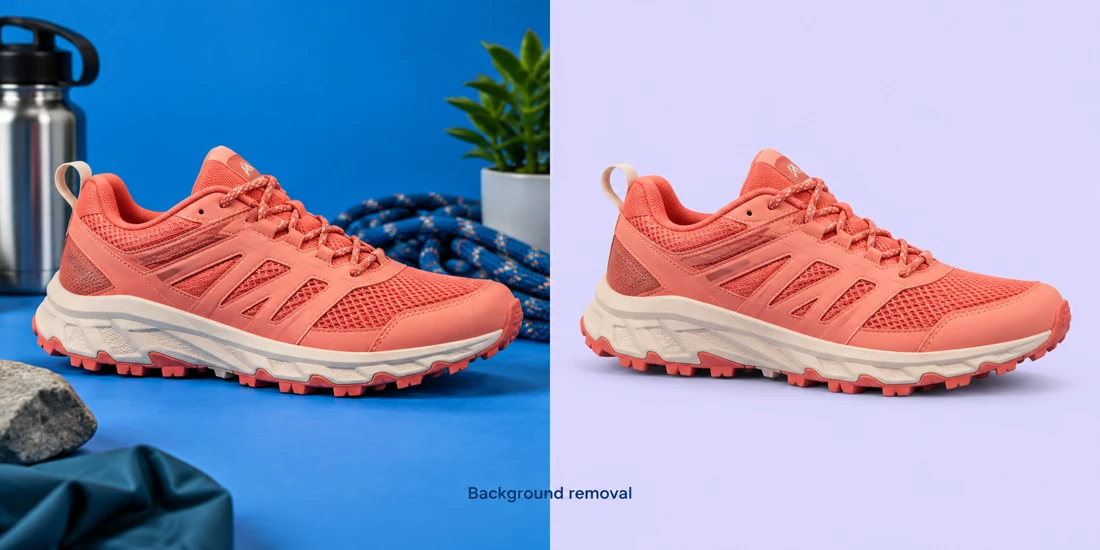
PhotographyRemove the existing background from your image and replace it with white or another color you choose.
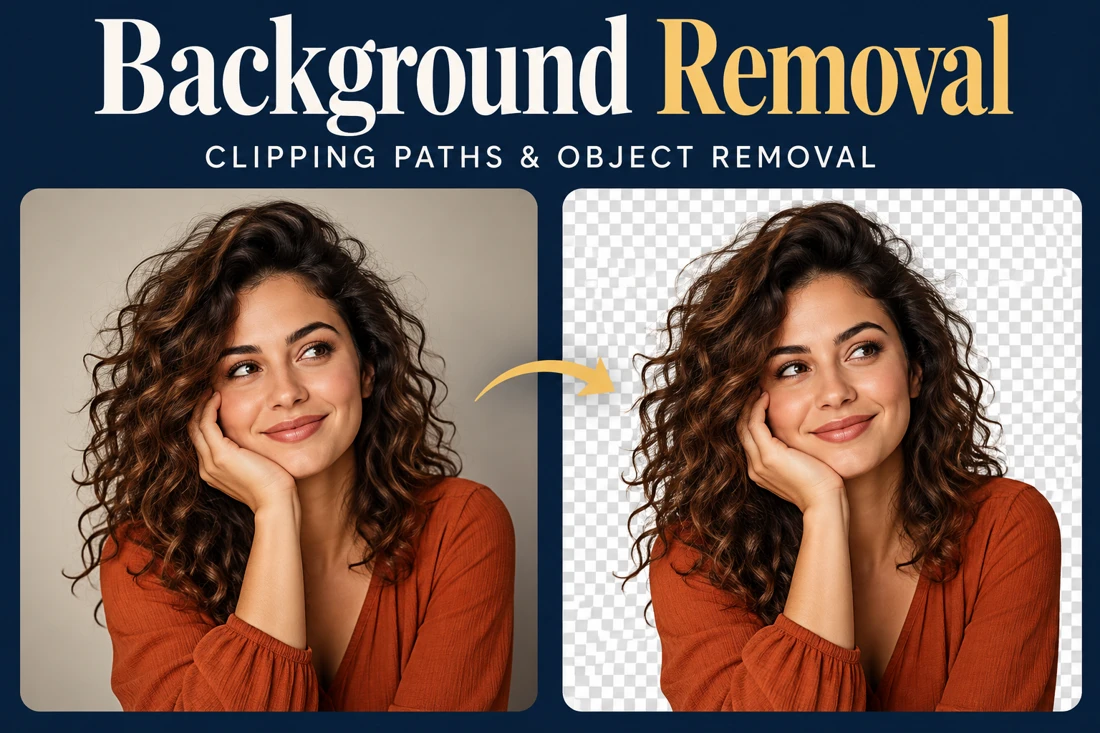
PhotographyPrepare an image with its background removed or changed to white, transparency or your requested backdrop. Photoshop clipping paths are used for the cutout...
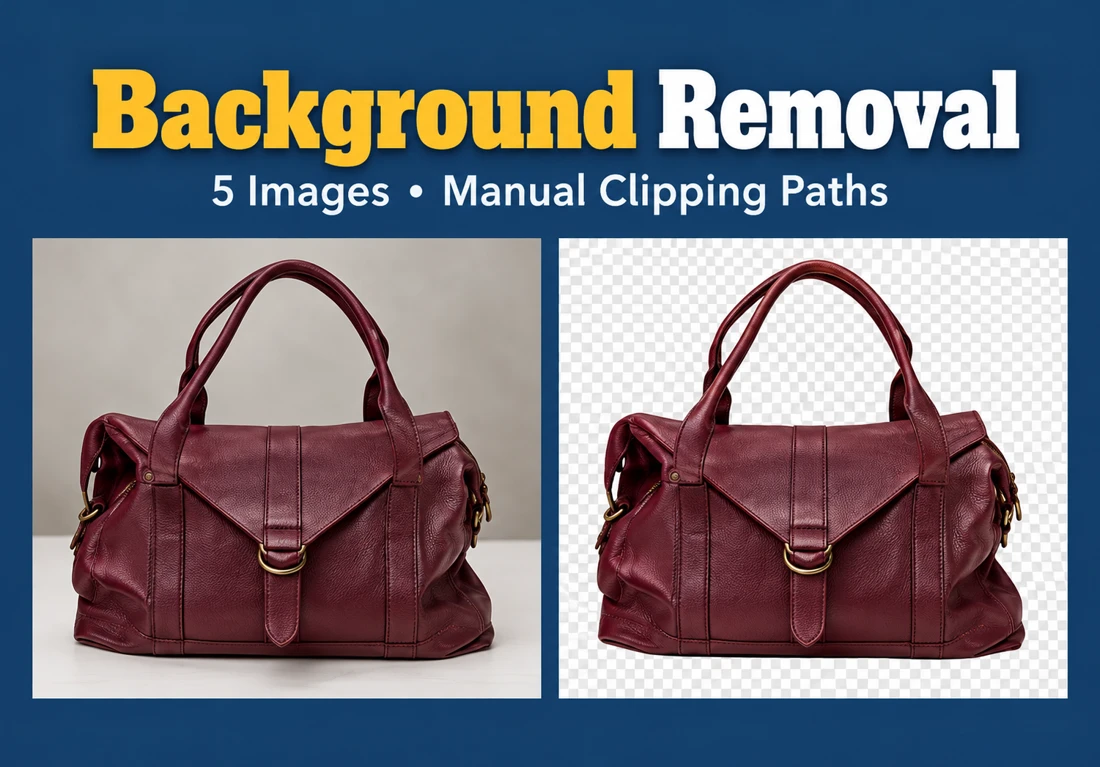
PhotographyHave backgrounds removed from five images using manually drawn Photoshop pen-tool clipping paths.
PhotographySend your original photo and explain the changes you want. Retouching can address blemishes, color, brightness, contrast and lighting, with editing guided...
PhotographySend your image and describe the background you need. The existing background can be removed or replaced with white, transparency or a custom background.
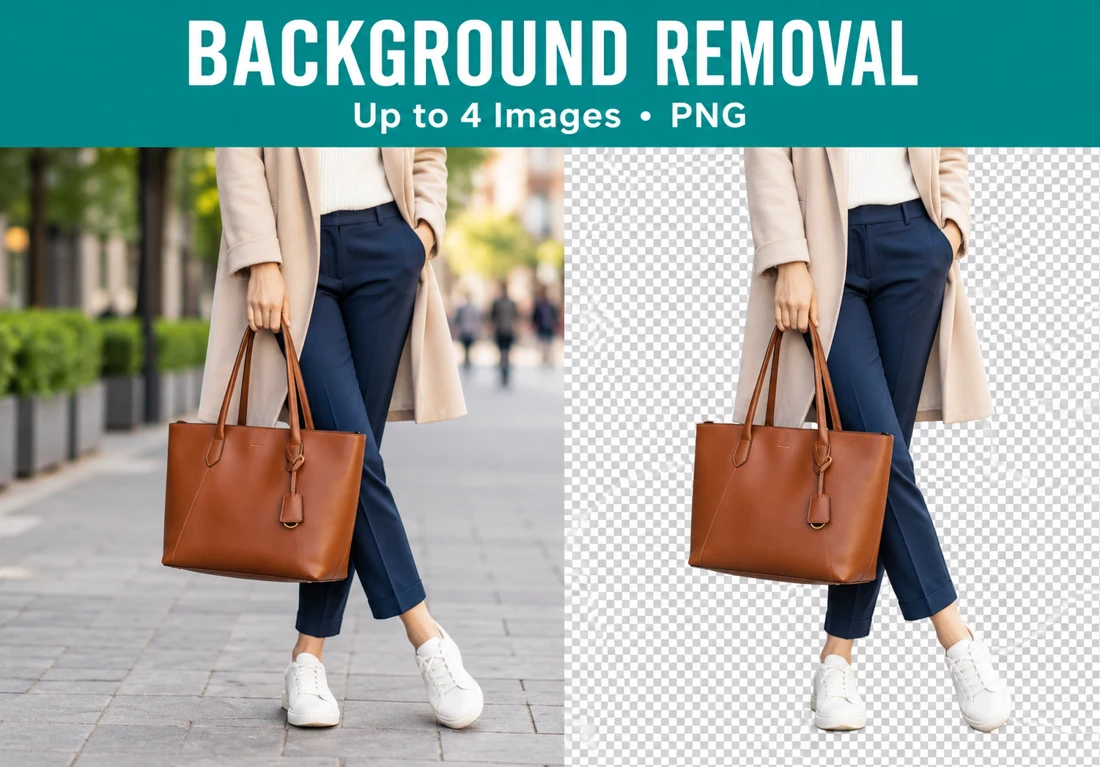
PhotographyRemove backgrounds from up to four images and receive transparent PNG files. The service accepts product photos, portraits and other images.
PhotographyRefine a portrait with Photoshop retouching that preserves skin texture and recognizable features. The editing covers blemishes, uneven tones, lighting bal...
PhotographyBuild your profile and showcase what you do best.