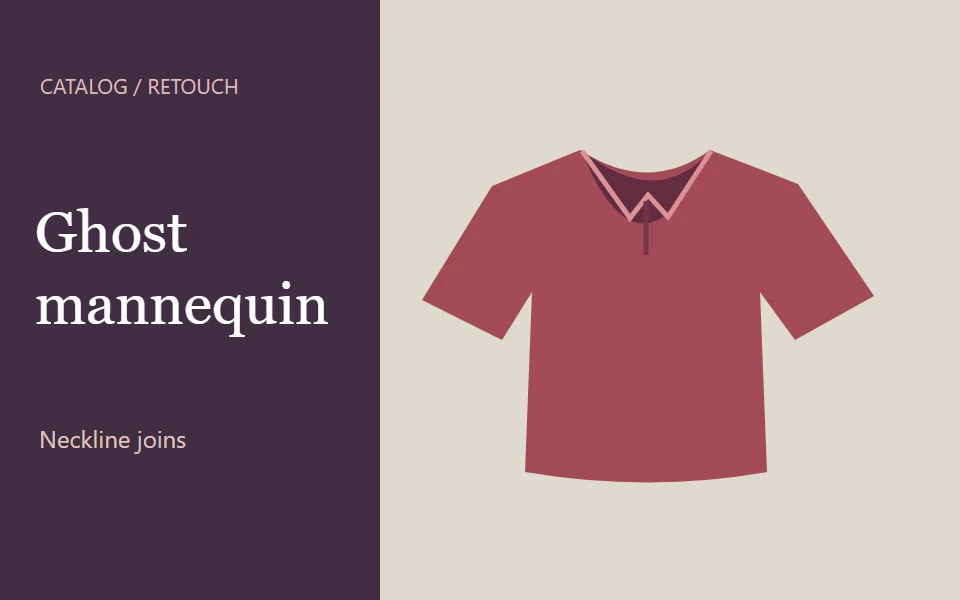
Edit garment necklines or remove a mannequin from five product photos
Prepare clothing images for a product catalog. Choose a neckline join in Photoshop or the five-image ghost mannequin option.
Photography
Wesley 2 day delivery

Find independent talent for your next project.
28 services
Prepare clothing images for a product catalog. Choose a neckline join in Photoshop or the five-image ghost mannequin option.
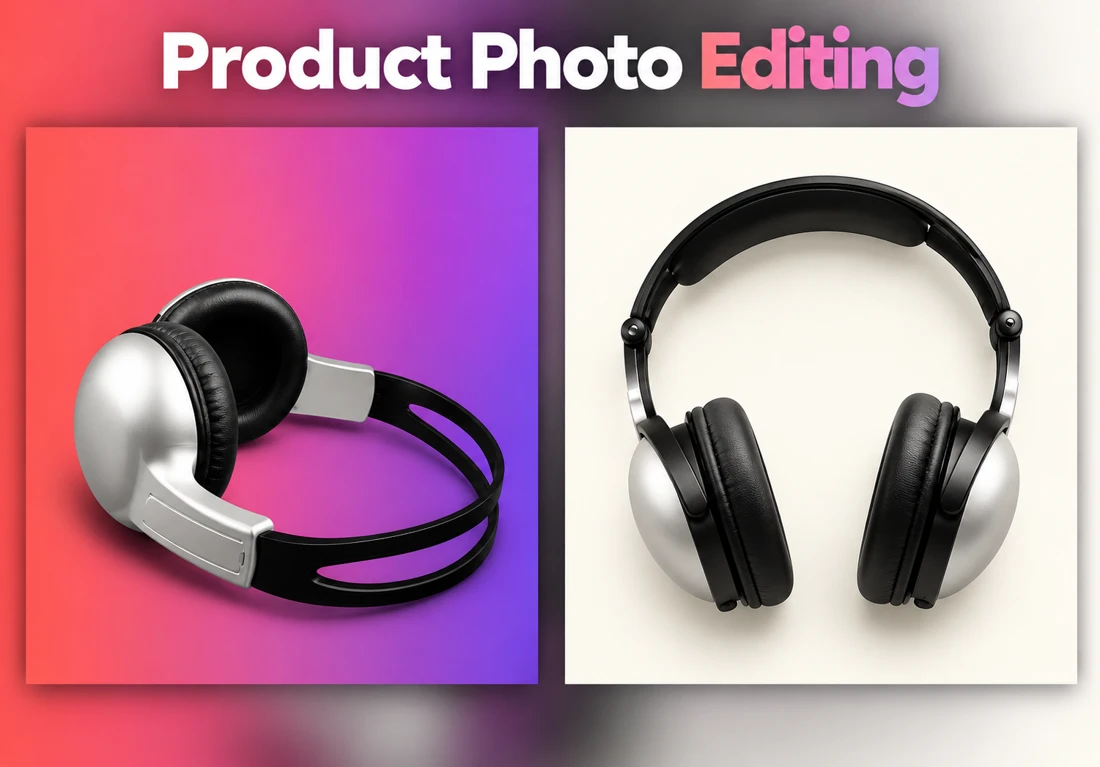
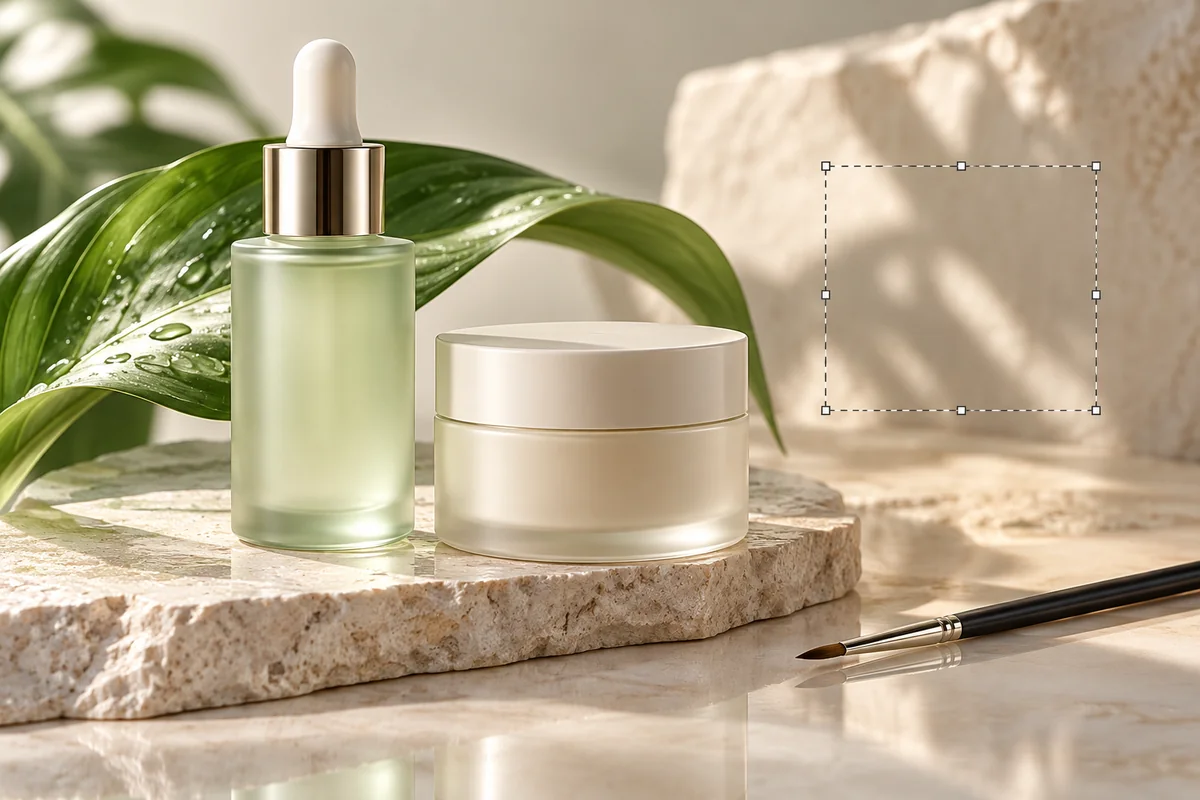
PhotographySend the photo and mark what should change. The edit can remove a distraction, add an object or person, replace the background, or reposition a logo.
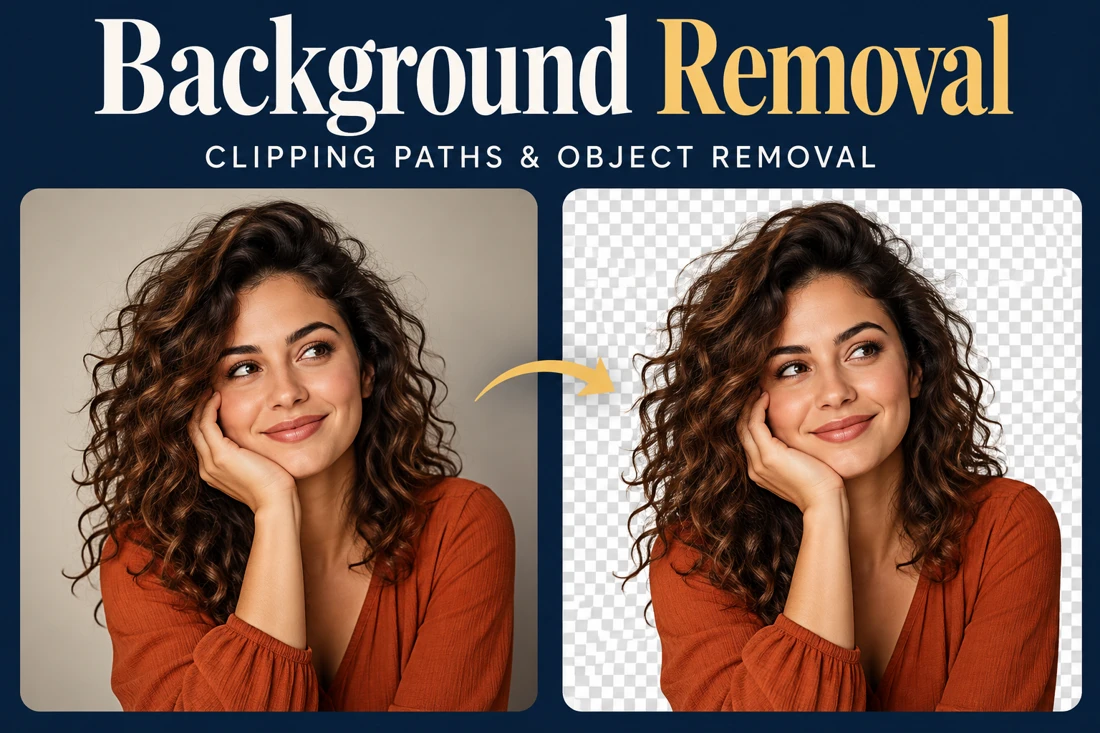
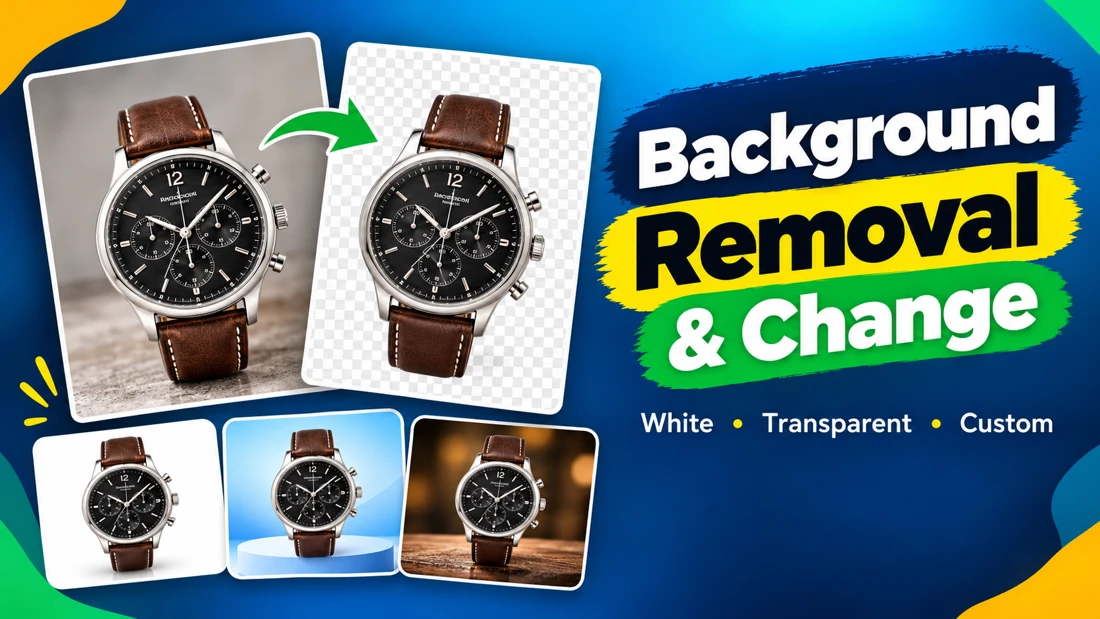
PhotographyIsolate a person, object or product using manual selection. Choose a transparent background or a clean white backdrop.
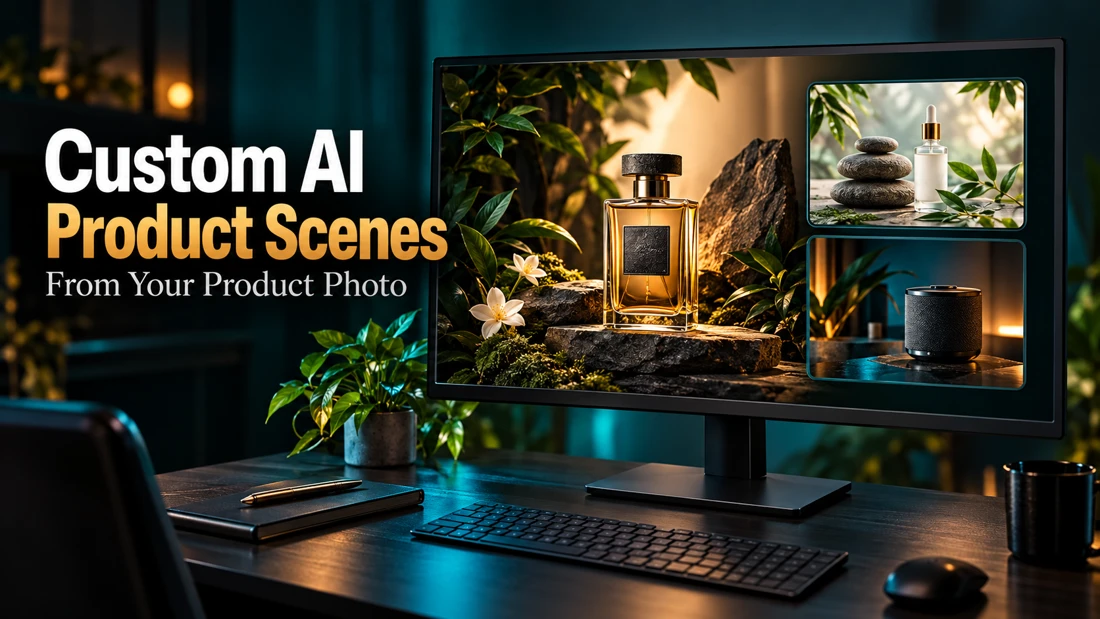
PhotographyTurn a clear product photo into a new visual scene using AI. Your photo serves as the main reference for the composition.
PhotographyUse your supplied product image to create an AI-assisted environment suited to its brand style. Options include studio, lifestyle, luxury, interior and pro...
PhotographyUse a clear product photo as the main reference for a new AI-assisted visual environment.
PhotographyUse your existing product photo as the main reference for a custom visual scene. Choose a studio, lifestyle, nature, seasonal, luxury or minimal setting.
PhotographyUse your product photo as the starting point for an AI-assisted scene with a background, lighting and composition tailored to your requirements.
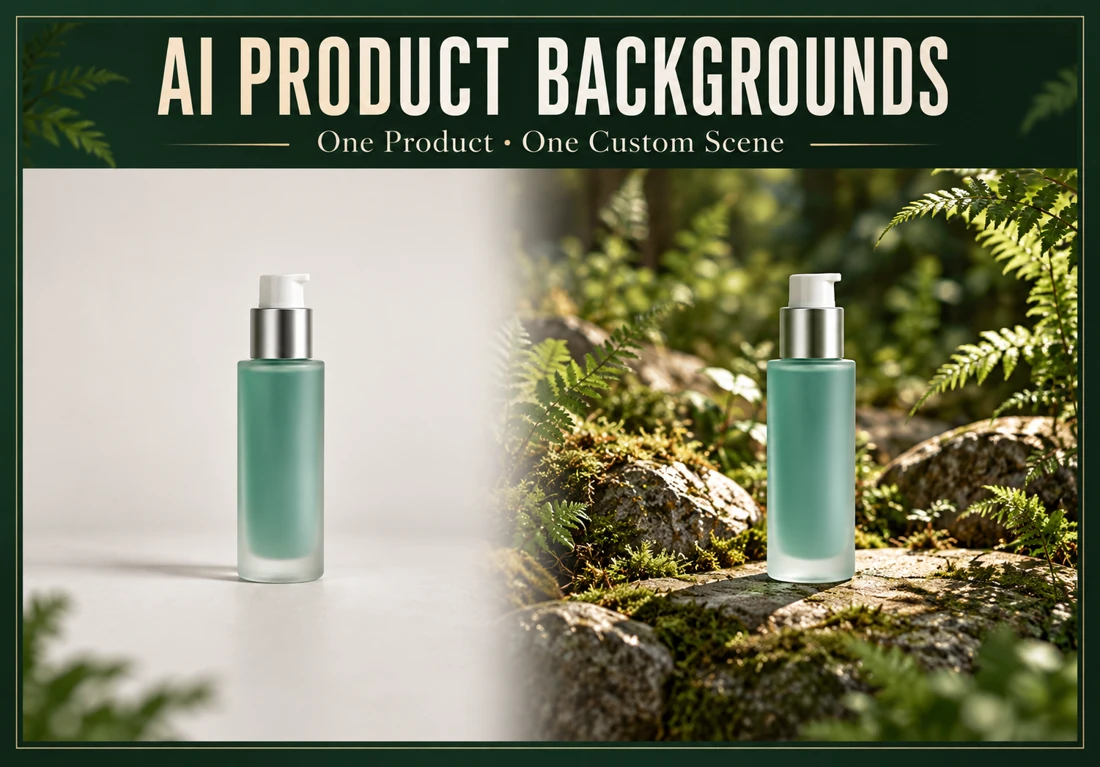
PhotographyPlace one supplied product image into one custom AI-generated background or lifestyle scene. Receive a high-resolution JPG or PNG composition.
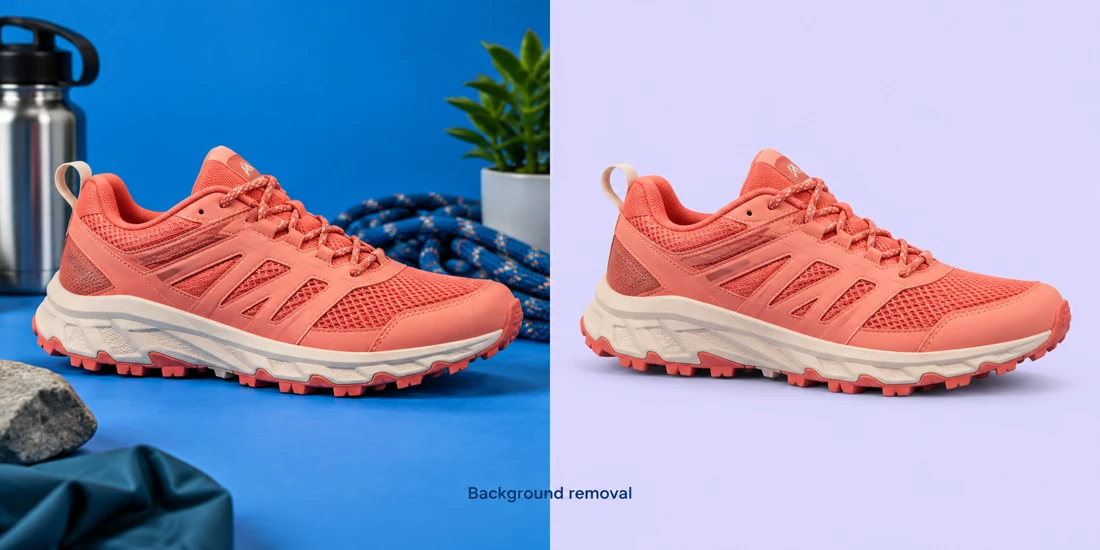
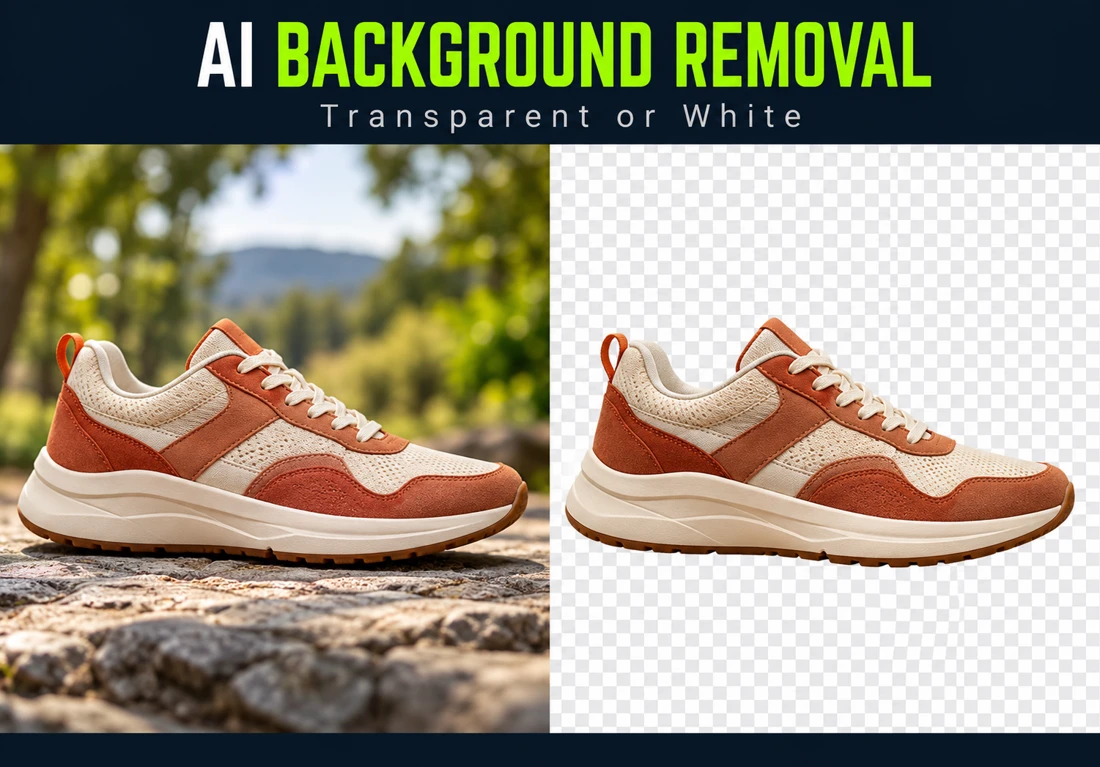
PhotographyUse AI-assisted editing to remove an image background and replace it with transparency or white.
PhotographyHave backgrounds removed from 15 product images, the quantity shown for the base offer on the source cover.
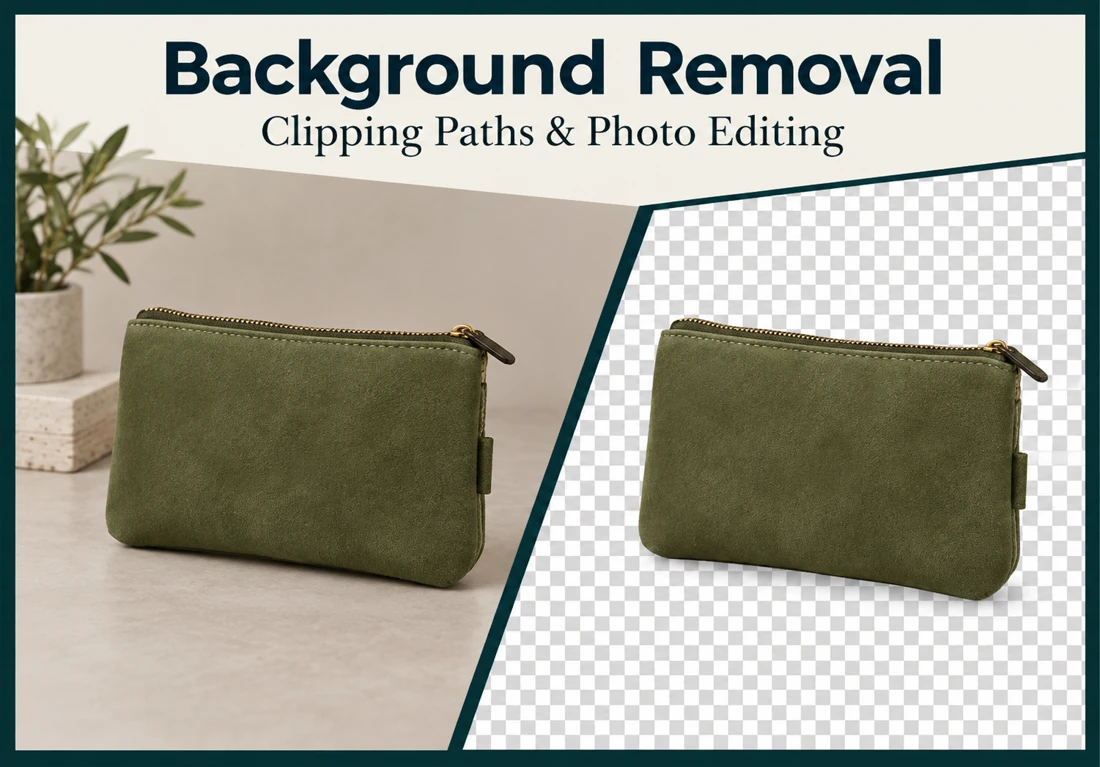
PhotographyRemove or replace a photo background with white or transparency using Photoshop clipping paths and masking.
PhotographyPrepare 15 jewelry product images with background removal and sizing for online stores.
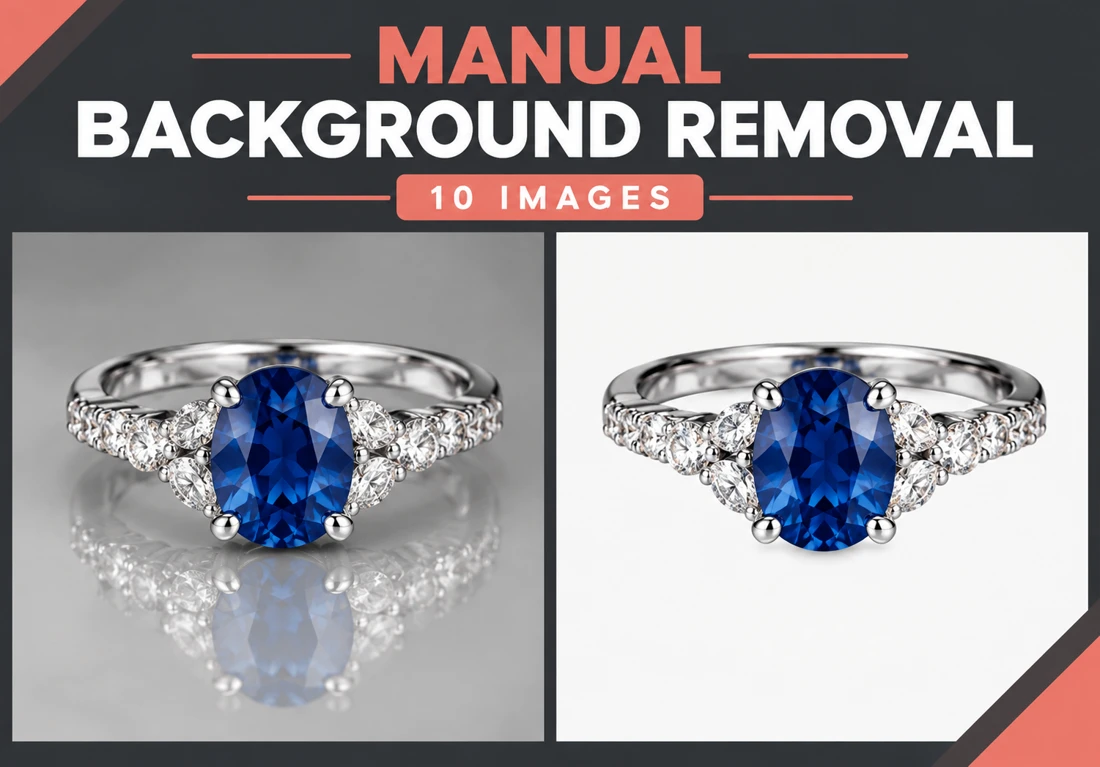
PhotographyHave 10 image backgrounds removed manually. Choose transparency, a white background or a replacement background suited to your project.
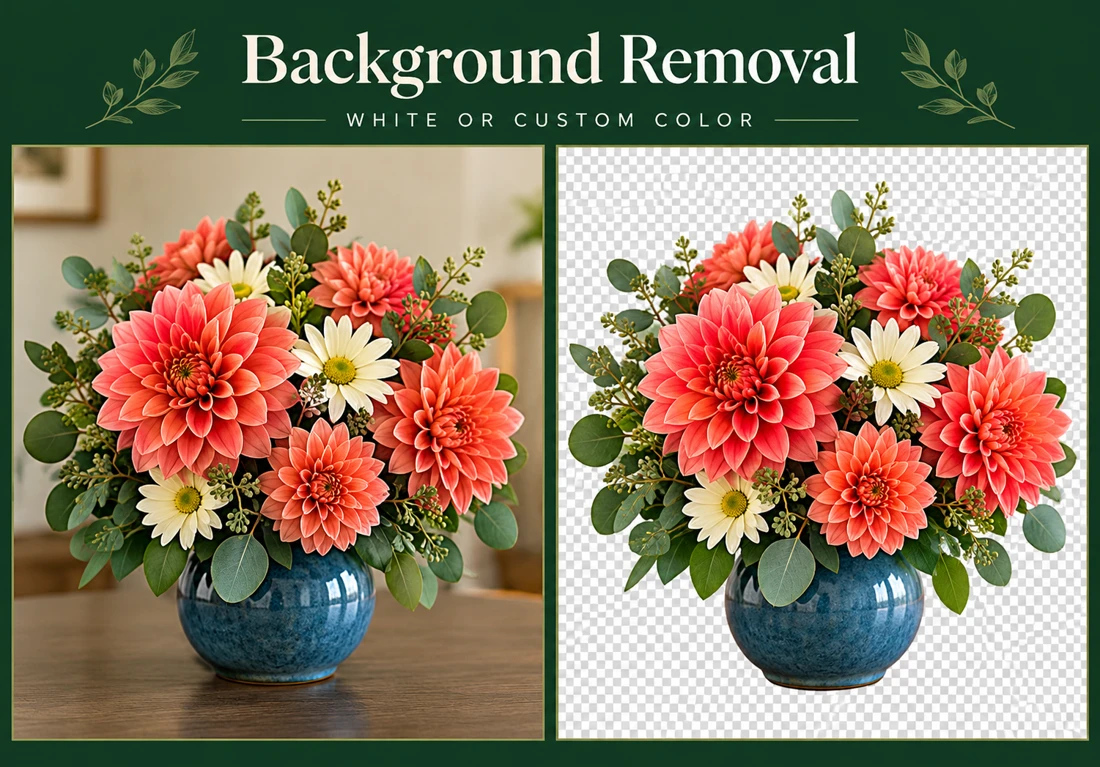
PhotographyRemove the existing background from your image and replace it with white or another color you choose.
PhotographyPrepare an image with its background removed or changed to white, transparency or your requested backdrop. Photoshop clipping paths are used for the cutout...
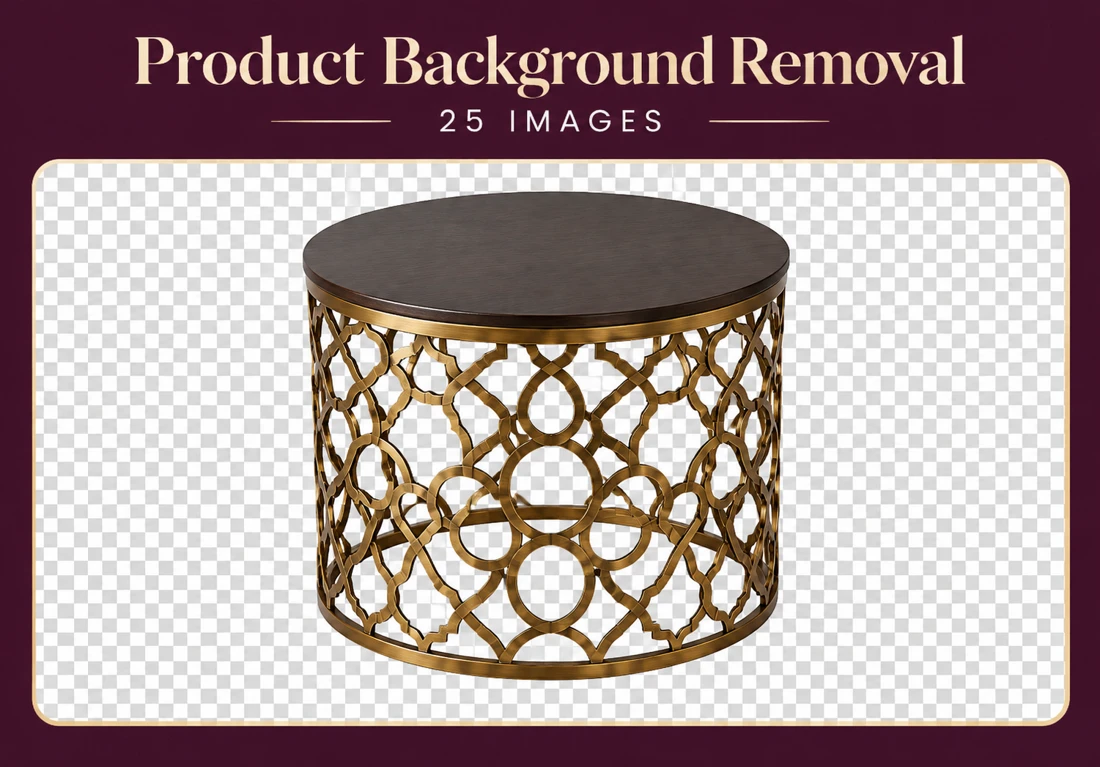
PhotographyPrepare 25 product photos with removed or white backgrounds. This service also covers marks and spots, shadows and reflections, cropping, rotation, straigh...
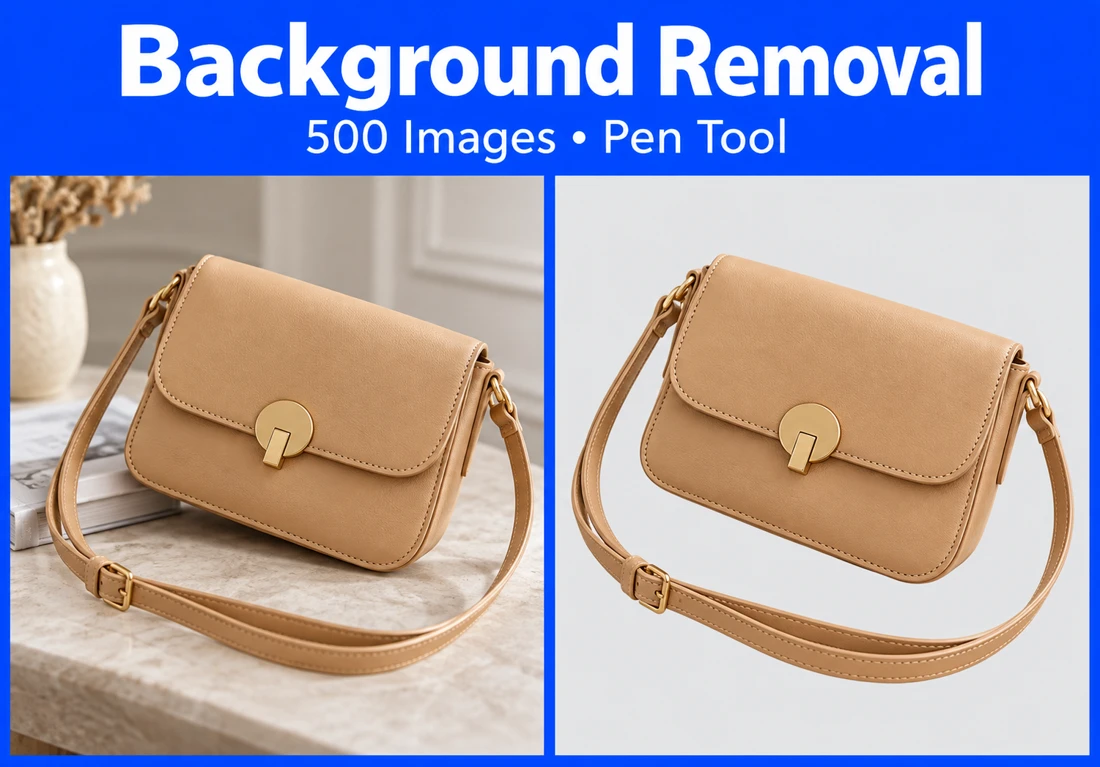
PhotographyProcess 500 images for background removal using Photoshop pen tools and masking techniques. White or transparent backgrounds can be prepared for product li...
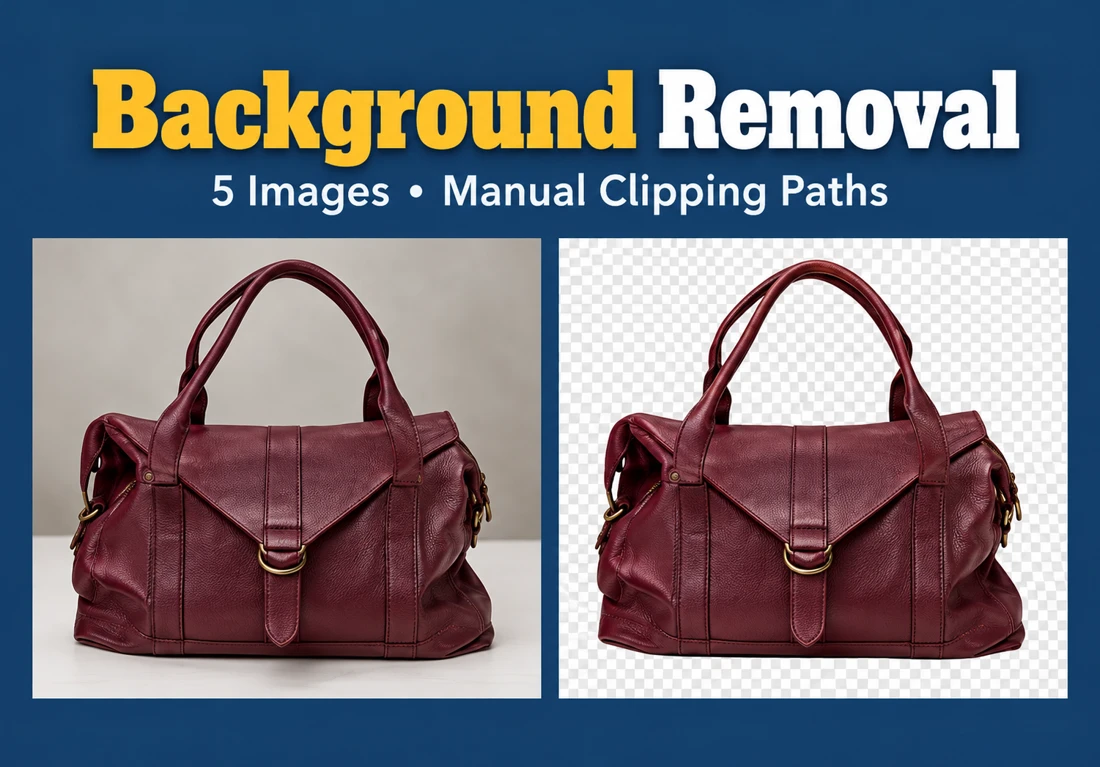
PhotographyHave backgrounds removed from five images using manually drawn Photoshop pen-tool clipping paths.
PhotographySend your original photo and explain the changes you want. Retouching can address blemishes, color, brightness, contrast and lighting, with editing guided...
PhotographySend your image and describe the background you need. The existing background can be removed or replaced with white, transparency or a custom background.
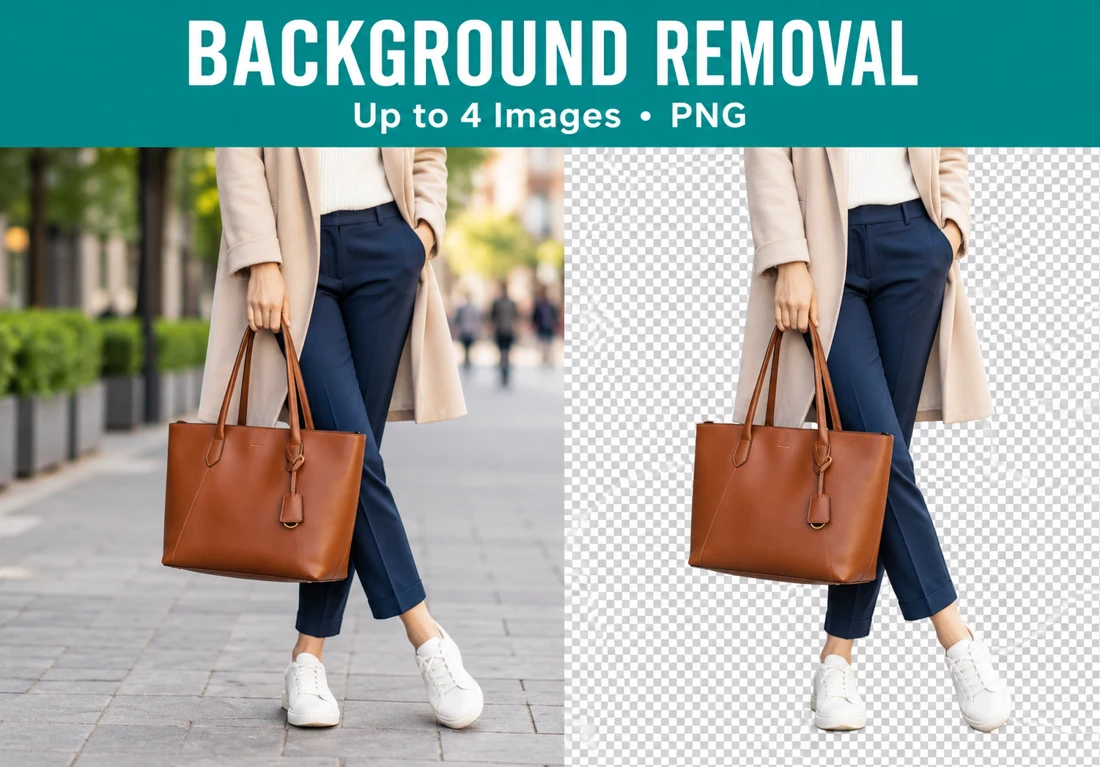
PhotographyRemove backgrounds from up to four images and receive transparent PNG files. The service accepts product photos, portraits and other images.
PhotographyRefine a portrait with Photoshop retouching that preserves skin texture and recognizable features. The editing covers blemishes, uneven tones, lighting bal...
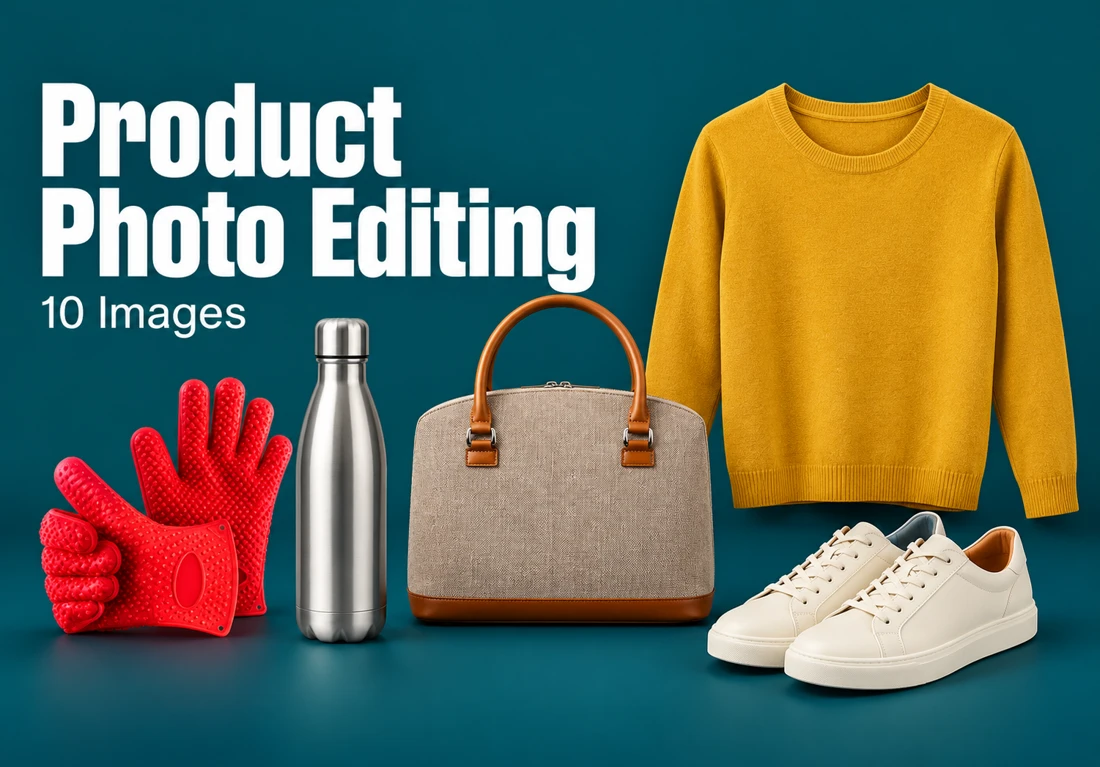
PhotographyHave 10 product images edited for ecommerce listings, catalogs or marketing materials.
PhotographyPrepare five jewelry photos for your shop or social media. Editing can clean up stones and metal, remove blemishes and replace a distracting background wit...
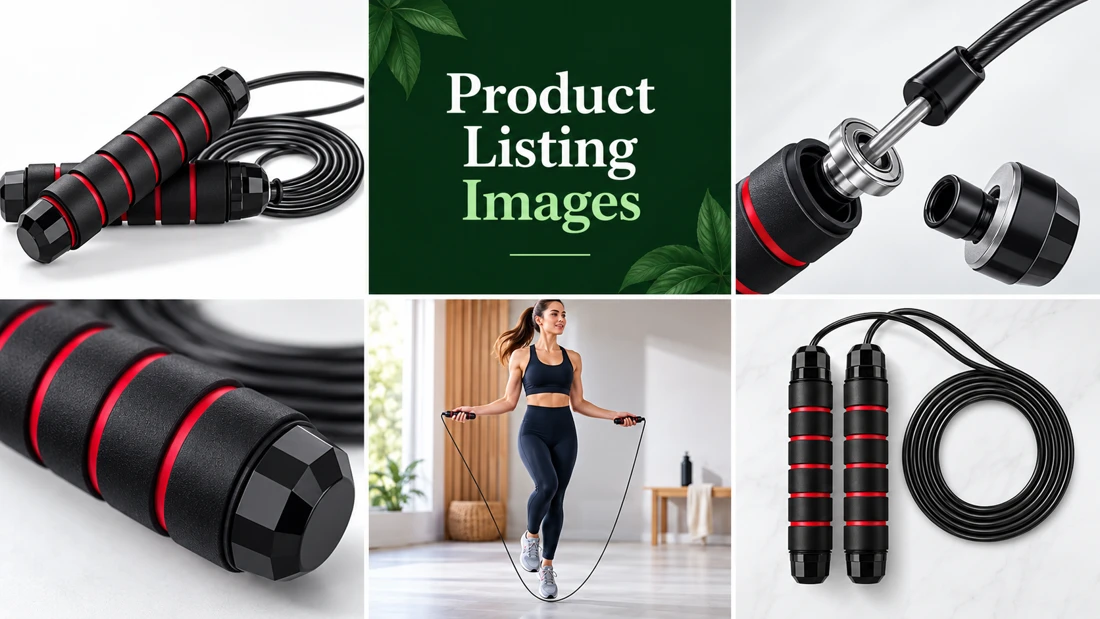
PhotographyThe base order covers one main product image. Other listing formats include feature infographics, instructional images, lifestyle scenes, action shots and...
PhotographyPrepare a product photograph for a listing with a clean white background, adjusted lighting and a crop that fits your site. Shadows or reflections can help...
PhotographyImprove exposure, crop and consistency while preserving the appearance of the product.
Photography
Build your profile and showcase what you do best.