
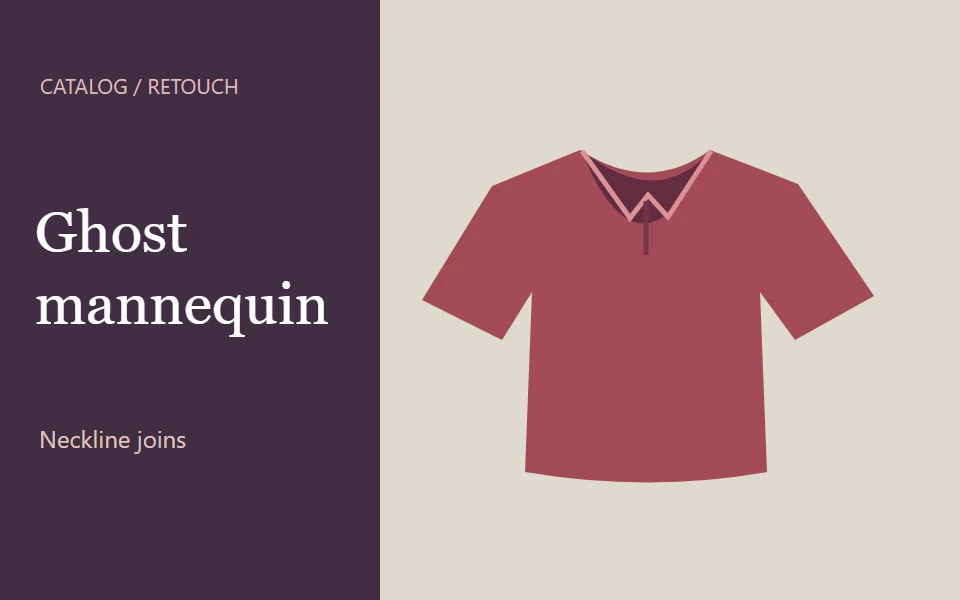
Edit garment necklines or remove a mannequin from five product photos
Prepare clothing images for a product catalog. Choose a neckline join in Photoshop or the five-image ghost mannequin option.
Photography
Wesley 2 day delivery

Remove backgrounds from fifteen product photos
Have backgrounds removed from 15 product images, the quantity shown for the base offer on the source cover.
PhotographyWesley 1 day delivery
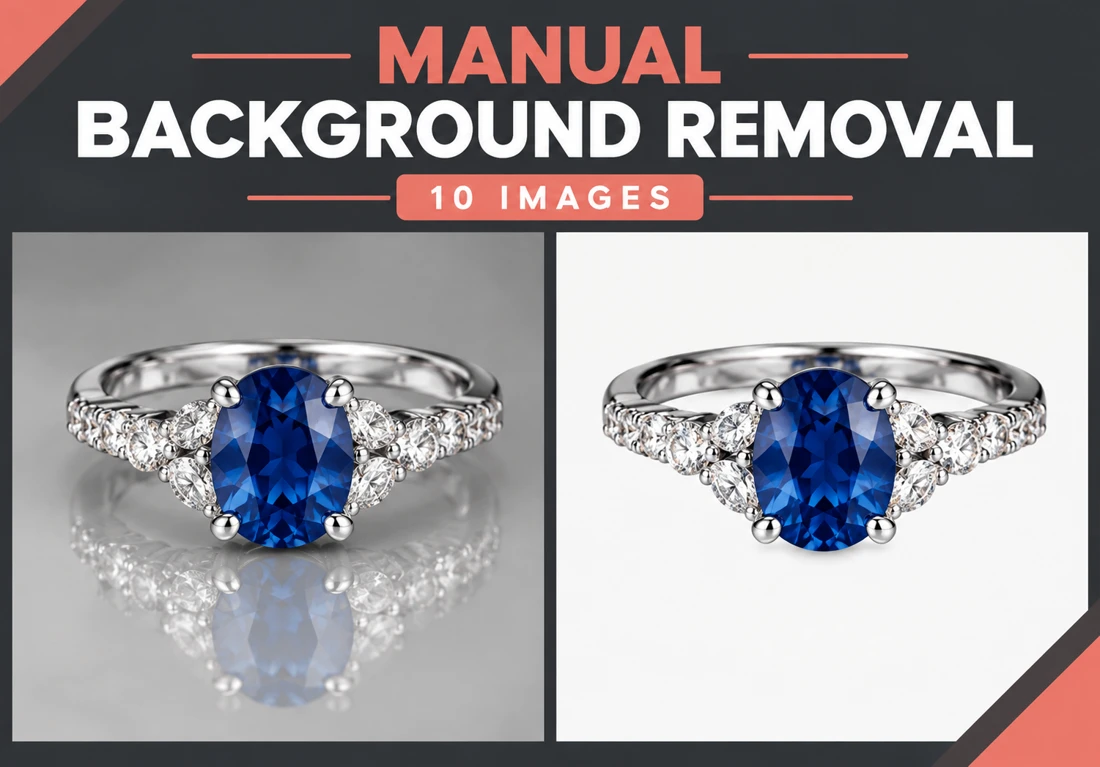
Manually remove backgrounds from ten images
Have 10 image backgrounds removed manually. Choose transparency, a white background or a replacement background suited to your project.
PhotographyWesley 1 day delivery
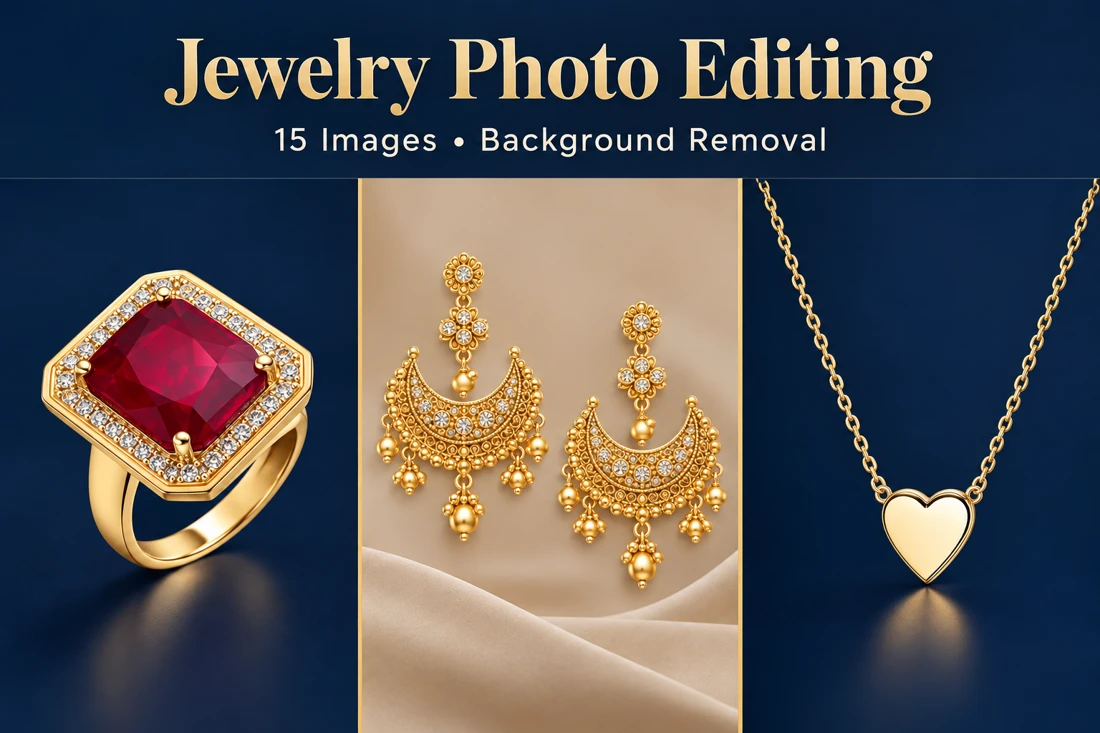
Retouch and remove backgrounds from fifteen jewelry images
Prepare 15 jewelry product images with background removal and sizing for online stores.
PhotographyWesley 3 day delivery
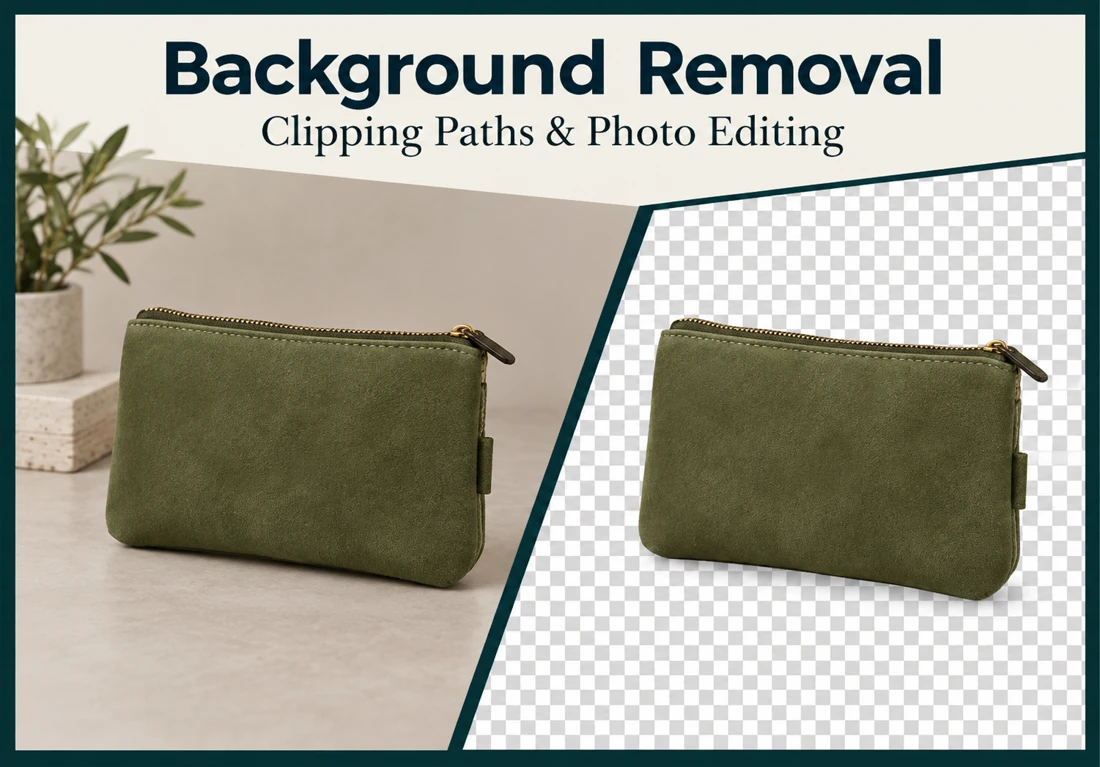
Edit your product photo with background removal and masking
Remove or replace a photo background with white or transparency using Photoshop clipping paths and masking.
PhotographyWesley 1 day delivery
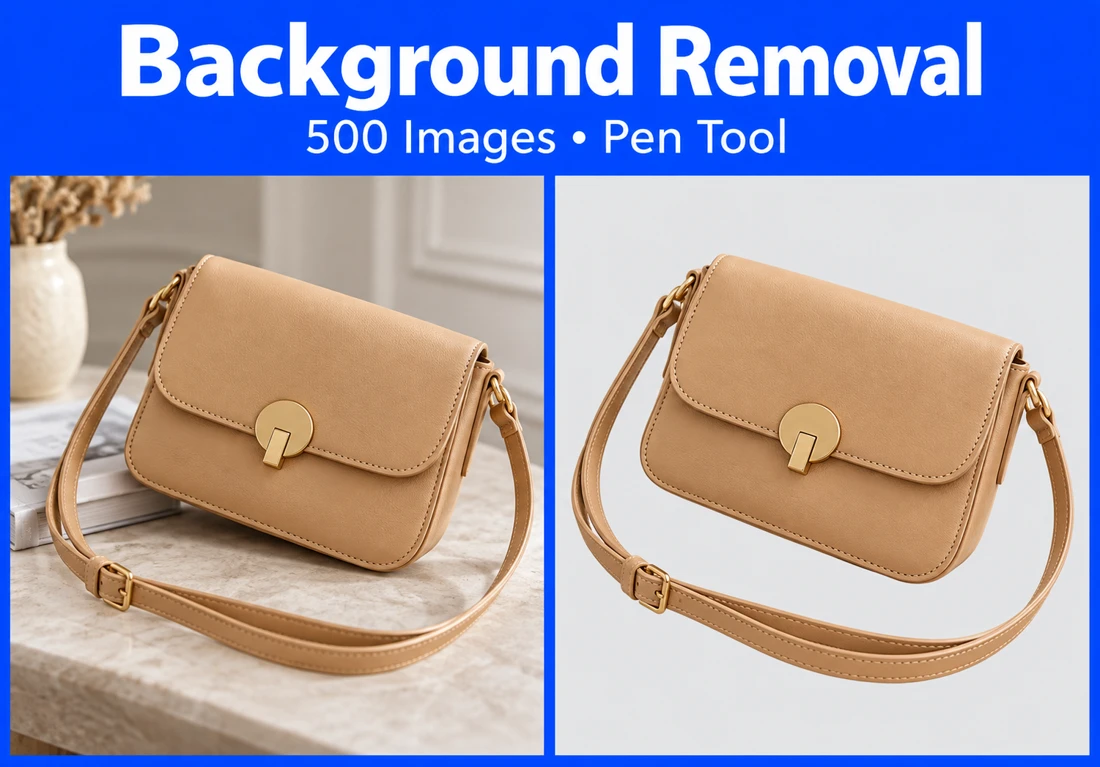
Remove backgrounds from 500 images using the pen tool
Process 500 images for background removal using Photoshop pen tools and masking techniques. White or transparent backgrounds can be prepared for product li...
PhotographyWesley 5 day delivery
